
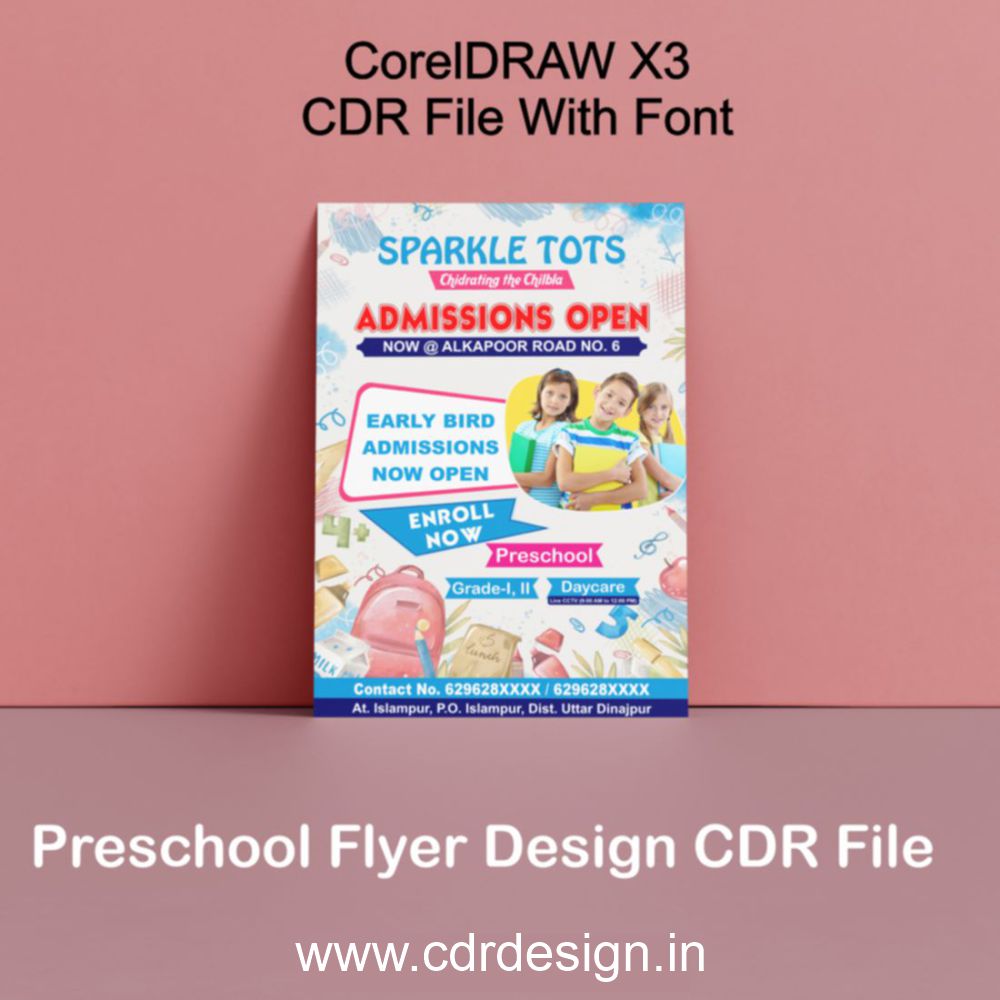




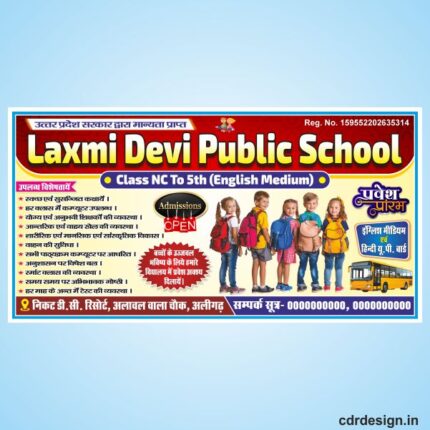
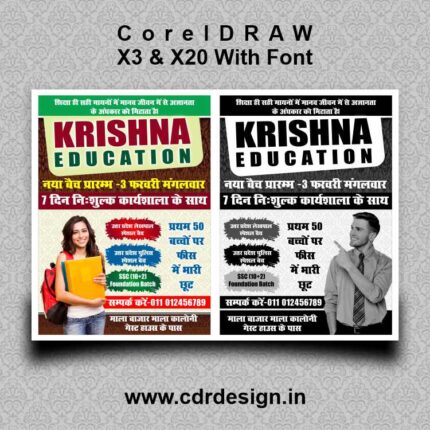
Preschool Flyer Design CDR File | School Handbill Design in CorelDRAW
Original price was: ₹55.00.₹35.00Current price is: ₹35.00.
Preschool Flyer Design CDR File || Handbill Design in CorelDRAW
CorelDRAW 13Version File
With Font
CDR Version 13 with Font Fully Editable
Color:- CMYK
Siz:- 07 MB
ये डिजाईन प्रिंटिंग प्रेस वालों के लिए है अगर आपको एडिट करना आता है तभी खरीदें
-
खरीदने से पहले अच्छे से चेक कर लें कौन सी फाइल है, कौन सा वेर्जन है फॉण्ट दिया गया है की नही
- Note: this design is only for the designers not
- for customers. Customization start from Rs.200
- How to Download:
- https://www.youtube.com/
- Instant Download:
- Your files will be available
- to download once payment is confirmed.
- (instant download items don’t accept returns,
- exchanges, or refunds. Please check all details
- before buying.)
-
- Help Number: call or WhatsApp
- Call us: 6296285862 (9 AM to 6 PM)
- CdrDesign License: Use for personal and
- commercial purposes more info
- Copyright Disclaimer:
- This File is uploaded by
- the user. We do not claim any copyright for
- the content. ( If the contents violate your
- copyright, please email us,
- cdrdesign8@gmail.com
Preschool Flyer Design CDR File | School Handbill Design in CorelDRAW
Thank you for reading this post, don't forget to subscribe!flyer design,design flyer,corporate flyer design,school banner design,banner design,preschool,best flyer design,church flyer design,simple flyer design,creative flyer design,business flyer design,event flyer design,graphic design,flyer design online,modern flyer design,graphic design flyer,school flyer design,school flyer design in corel,design,flyer,school admission flyer design,preschool banner design in coreldraw,banner design in coreldraw
school flyer design,logo design in coreldraw,school flyer design in coreldraw,school brochure design,3d logo design in coreldraw,school flyer design in corel,school banner design in coreldraw,how to make school logo design in coreldraw,3d design in coreldraw,brochure design in coreldraw,how to design a school flyer in coreldraw,flyer design in coreldraw,latest school flyer design,coreldraw logo design,flyer design,how to make school flyer design
Attract Tiny Learners with Stunning Preschool Flyers: Design Tips & CorelDRAW Insights
In the competitive world of early childhood education, capturing the attention of parents is crucial. A well-designed preschool flyer can be the key to showcasing your program’s unique offerings and enticing families to enroll their little ones. Luckily, creating eye-catching flyers doesn’t require a professional designer. With the right tools and some creative inspiration, you can craft compelling promotional materials using software like CorelDRAW.
This article explores the power of effective preschool flyer design and offers insights into leveraging CorelDRAW to create visually appealing and informative handbills.
Why are Flyers Still Relevant for Preschool Enrollment?
In the digital age, printed materials might seem outdated, but they still offer significant advantages:
- Tangibility: A physical flyer is more likely to be noticed and retained than a fleeting online advertisement.
- Local Focus: Flyers are perfect for reaching parents in your immediate community through local businesses, community centers, and neighborhood events.
- Direct Appeal: A well-designed flyer can quickly communicate your preschool’s key benefits and unique selling points.
- Cost-Effective: Compared to extensive online marketing campaigns, flyer printing and distribution can be a budget-friendly option.
Key Elements of an Effective Preschool Flyer:
Before diving into the technical aspects of designing with CorelDRAW, let’s outline the essential elements that contribute to a successful preschool flyer:
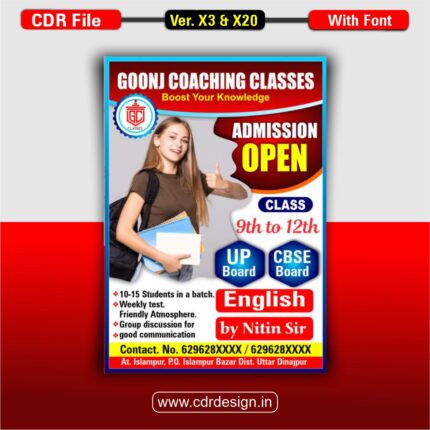
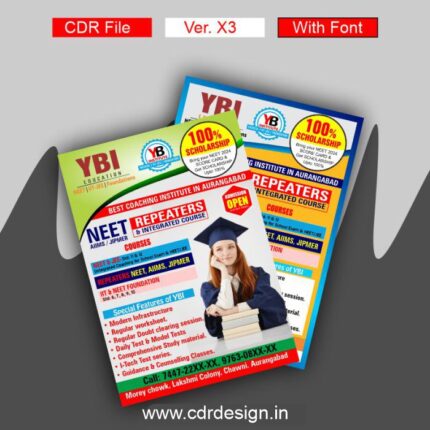
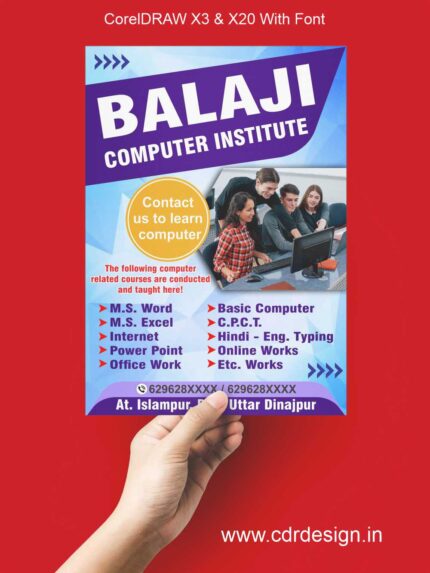
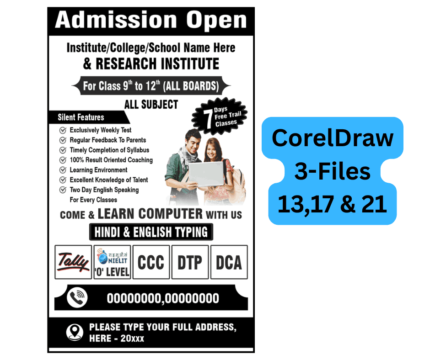
- Eye-Catching Visuals: High-quality photos of happy children engaged in learning activities are essential. Bright colors and playful graphics also draw attention.
- Clear and Concise Messaging: Highlight the benefits of your program, such as small class sizes, qualified teachers, and a stimulating curriculum. Use short, impactful sentences.
- Compelling Headline: Grab attention immediately! Use a headline that speaks to parents’ concerns and desires for their children.
- Call to Action: Clearly instruct parents on how to learn more or enroll. Include your phone number, website, and address.
- Brand Consistency: Maintain a consistent brand identity by using your preschool’s logo, colors, and fonts.
- Contact Information: Make it easy for parents to get in touch. Include all relevant contact details, including social media handles.
- Special Offers (Optional): Consider including a special offer, such as a discount on enrollment fees or a free trial day.
Designing Your Preschool Flyer in CorelDRAW:
CorelDRAW is a powerful vector graphics editor that offers a user-friendly interface and a wide range of tools for creating professional-looking flyers. Here are some tips for designing your preschool flyer in CorelDRAW:
- Start with a Template (If Needed): CorelDRAW offers various templates that can serve as a starting point for your design. Customize a template to fit your specific needs.
- Utilize Shapes and Colors: CorelDRAW provides a variety of shapes and color palettes to create visually appealing layouts. Experiment with different combinations to find what works best for your preschool.
- Import and Edit Images: Easily import high-resolution images of your preschool’s facilities, children, and teachers. CorelDRAW allows you to crop, resize, and adjust the colors of your images.
- Work with Text: CorelDRAW offers a range of text formatting options, allowing you to choose the perfect fonts and sizes for your flyer. Ensure your text is legible and easy to read.
- Layering and Arrangement: Use CorelDRAW’s layering capabilities to organize your design elements and create depth.
- Consider Your Target Audience: Keep parents in mind throughout the design process. Use language and imagery that resonates with them.
- Proofread Carefully: Before printing your flyers, make sure to proofread them carefully for any errors in grammar or spelling.
Finding Inspiration and Resources:
- Online Design Communities: Websites like Behance and Dribbble showcase countless flyer designs for inspiration.
- Preschool Websites: Explore the websites of other successful preschools to see how they promote their programs.
- CorelDRAW Tutorials: Corel’s website and YouTube offer a wealth of tutorials for learning the software.
Conclusion:
A well-designed preschool flyer can be a valuable tool for attracting new students and promoting your program. By understanding the key elements of effective flyer design and leveraging the power of CorelDRAW, you can create compelling promotional materials that capture the attention of parents and showcase the unique benefits of your preschool. Remember to focus on clear messaging, high-quality visuals, and a strong call to action to maximize the impact of your flyers Good luck







Reviews
There are no reviews yet.