
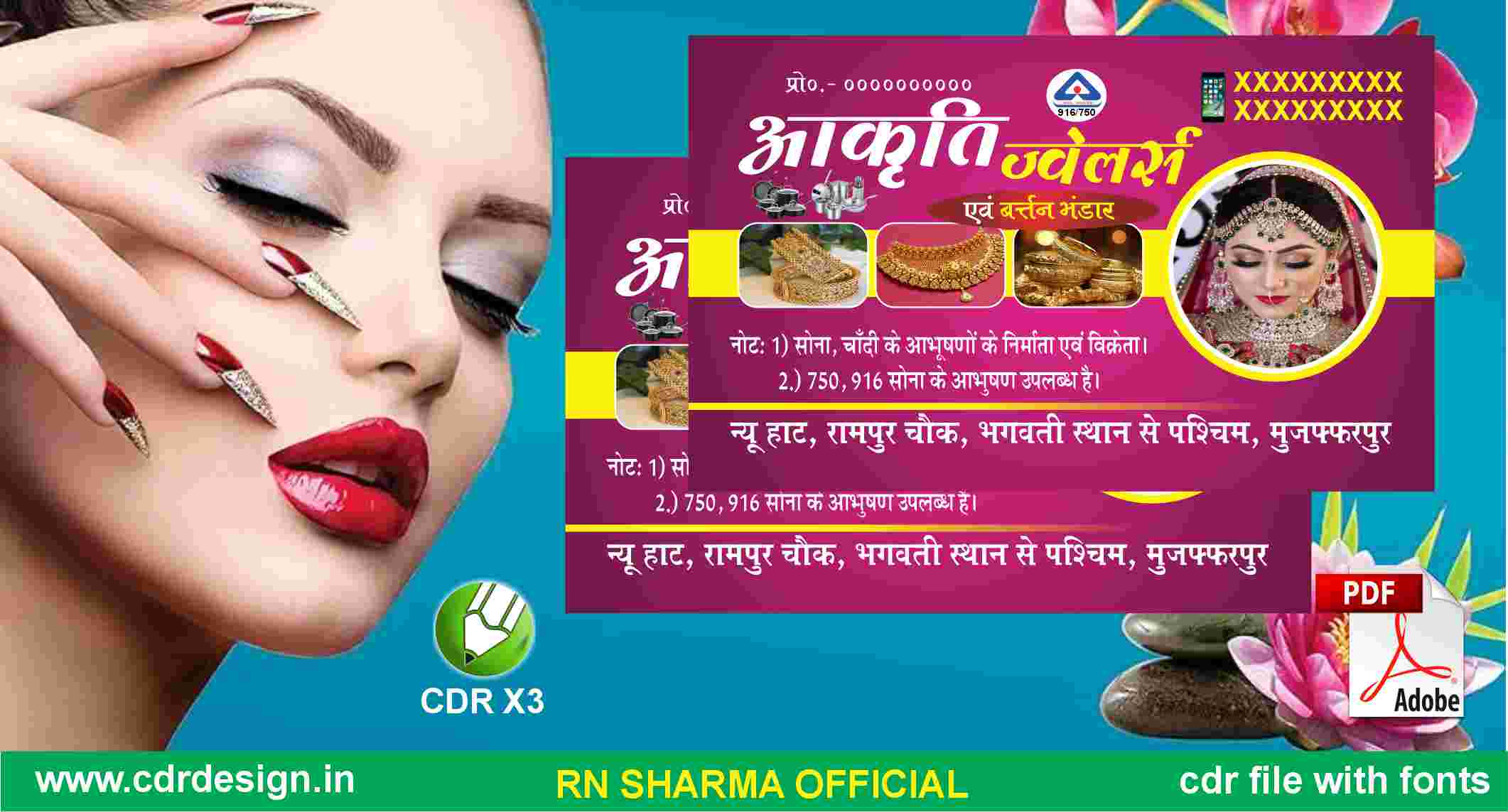
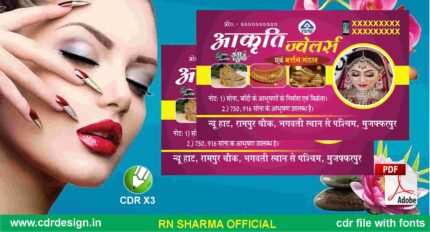
Beauty Parlour Visiting Card CDR File
₹20.00
Corel Drow X3 (CDR File)
Colour= CMYK
Font= Yes
CDR X3 & PDF
ये डिजाईन प्रिंटिंग प्रेस वालों के लिए है अगर आपको एडिट करना आता है तभी खरीदें
-
खरीदने से पहले अच्छे से चेक कर लें कौन सी फाइल है, कौन सा वेर्जन है फॉण्ट दिया गया है की नही
- Note: this design is only for the designers not
- for customers. Customization start from Rs.200
- How to Download:
- https://www.youtube.com/
- Instant Download:
- Your files will be available
- to download once payment is confirmed.
- (instant download items don’t accept returns,
- exchanges, or refunds. Please check all details
- before buying.)
-
- Help Number: call or WhatsApp
- Call us: 6296285862 (9 AM to 6 PM)
- CdrDesign License: Use for personal and
- commercial purposes more info
- Copyright Disclaimer:
- This File is uploaded by
- the user. We do not claim any copyright for
- the content. ( If the contents violate your
- copyright, please email us,
- cdrdesign8@gmail.com
The Ultimate Guide to Crafting a Stunning Beauty‑Parlour Visiting Card in CorelDRAW (CDR)
Thank you for reading this post, don't forget to subscribe!When a potential client walks into a beauty‑parlour—or simply glances at a business card on a countertop—the visual cue that decides whether they’ll book an appointment is often the visiting card. In the hyper‑competitive world of beauty services, a well‑designed, high‑impact visiting card can be the difference between a “just looking” prospect and a loyal regular.
If you’ve ever wondered how to translate the elegance of your salon’s décor, the warmth of your service, and the professionalism of your team into a single 3.5 × 2 in. piece of paper, you’re in the right place. This post walks you through every step of creating a Beauty‑Parlour Visiting Card using CorelDRAW (CDR files)—from concept to final print—so you can hand out cards that truly sparkle.








Reviews
There are no reviews yet.