

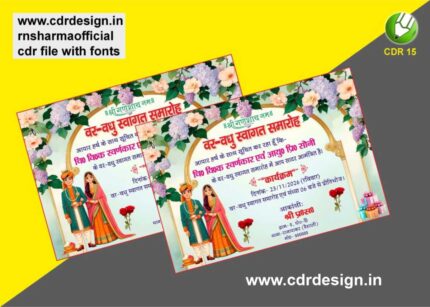
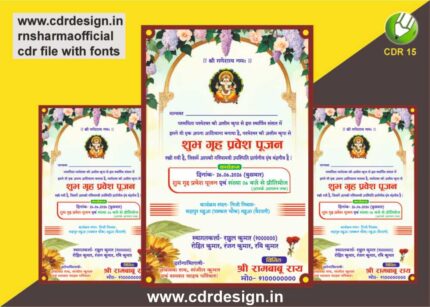
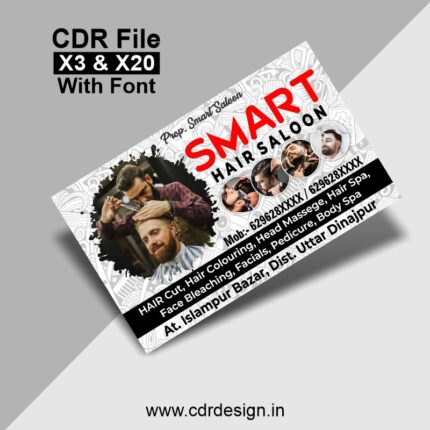
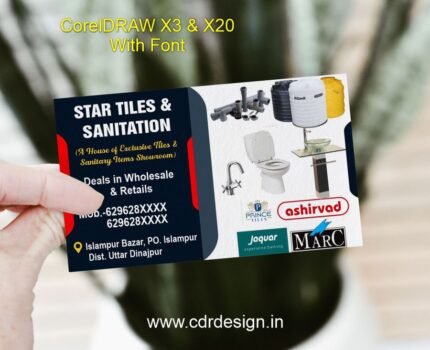
Printing Press Visiting Card CDR File
₹19.00
Corel Drow – 15 (CDR File)
Colour= CMYK
Font= Yes
CDR- 15 & PDF
- Note: this design is only for the designers not
- for customers. Customization start from Rs.100
- How to Download:
- https://www.youtube.com/
- Instant Download:
- Your files will be available
- to download once payment is confirmed.
- (instant download items don’t accept returns,
- exchanges, or refunds. Please check all details
- before buying.)
-
- Help Number: call or WhatsApp
- Call us: 6296285862 (9 AM to 6 PM)
- CdrDesign License: Use for personal and
- commercial purposes more info
- Copyright Disclaimer:
- This File is uploaded by
- the user. We do not claim any copyright for
- the content. ( If the contents violate your
- copyright, please email us,
- cdrdesign8@gmail.com
Elevate Your Brand with a Printing Press Visiting Card CDR File
Thank you for reading this post, don't forget to subscribe!In the fast-paced world of business, first impressions matter. At the heart of a strong start lies a well-designed visiting card (business card). For printing presses, stationery, or graphic design businesses, a professional business card isn’t just a calling card—it’s a testament to your expertise. Enter the CDR file for visiting cards, a powerful tool for creating precision-focused, customizable business cards tailored for the printing press industry. Whether you’re a seasoned designer or a small business owner, mastering this file format can streamline your workflow and ensure print-ready results. Let’s dive in.
What is a CDR File?
A CDR file is a proprietary vector graphics format developed by CorelDraw, a popular desktop publishing and graphic design software. Unlike raster images (like JPEGs or PNGs), vector files are resolution-independent, making them ideal for print. For printing press professionals, CDR files offer:


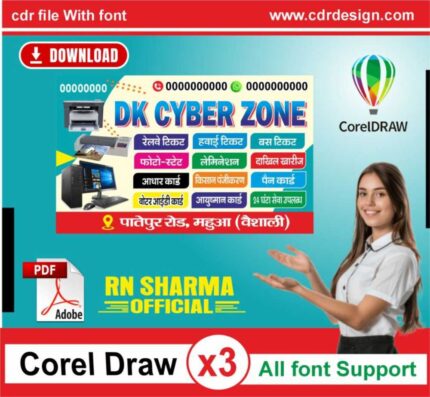

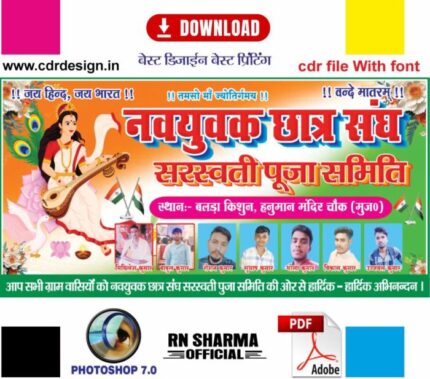







Reviews
There are no reviews yet.