


Premium Clipart Design Cdr
Original price was: ₹50.00.₹22.00Current price is: ₹22.00.
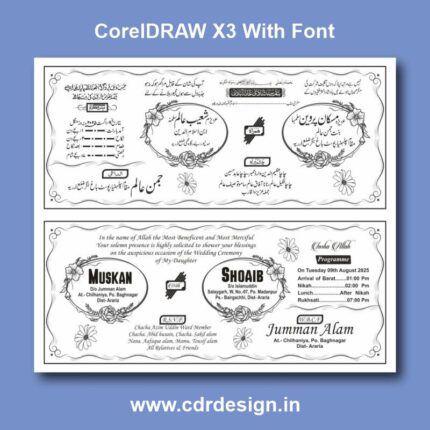
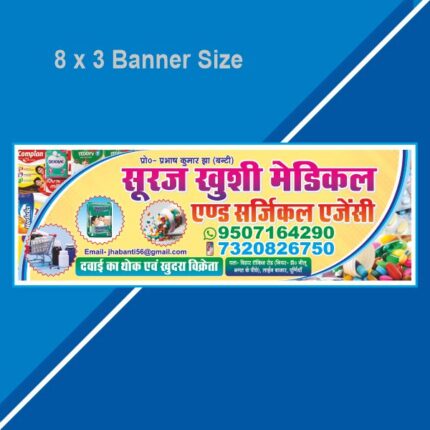
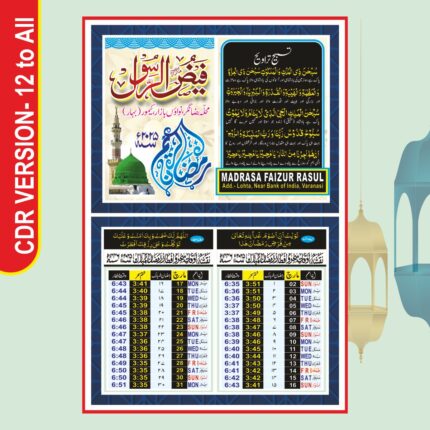
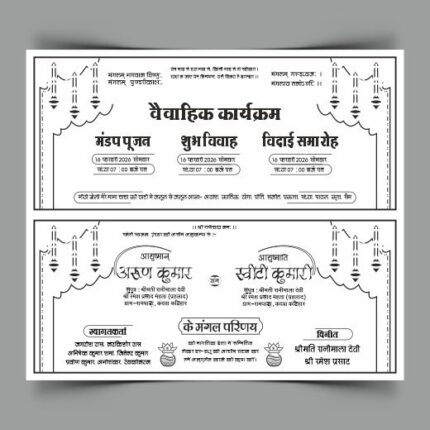
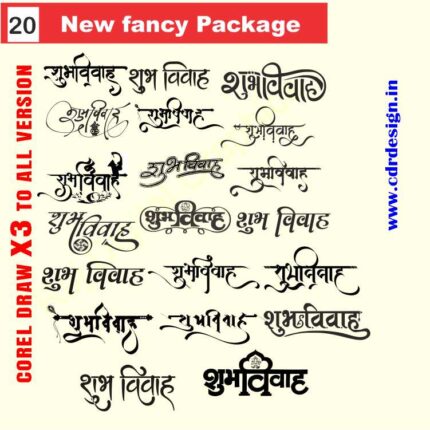
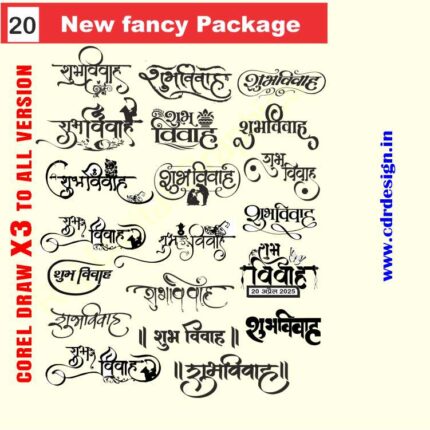
Format: Cdr
Fully Editable
Version: 13 to All
With Fonts
ये डिजाईन प्रिंटिंग प्रेस वालों के लिए है अगर आपको एडिट करना आता है तभी खरीदें
-
खरीदने से पहले अच्छे से चेक कर लें कौन सी फाइल है, कौन सा वेर्जन है फॉण्ट दिया गया है की नही
- Note: this design is only for the designers not
- for customers. Customization start from Rs.200
- How to Download:
- https://www.youtube.com/
- Instant Download:
- Your files will be available
- to download once payment is confirmed.
- (instant download items don’t accept returns,
- exchanges, or refunds. Please check all details
- before buying.)
-
- Help Number: call or WhatsApp
- Call us: 6296285862 (9 AM to 6 PM)
- CdrDesign License: Use for personal and
- commercial purposes more info
- Copyright Disclaimer:
- This File is uploaded by
- the user. We do not claim any copyright for
- the content. ( If the contents violate your
- copyright, please email us,
- cdrdesign8@gmail.com
Premium Clipart Design in CDR Format
In the fast-paced world of graphic design, time is your most precious resource. Whether you are creating a complex corporate identity, designing merchandise for a new brand, or crafting custom vinyl stickers, the quality of your foundational assets can make or break a project.
Thank you for reading this post, don't forget to subscribe!Far too often, designers settle for subpar, low-resolution files—the kind that look fine on a screen but fall apart when scaled up or sent to a professional printer.
This is where the power of Premium Clipart Design, specifically delivered in the robust CDR (CorelDRAW) format, becomes not just a luxury, but an absolute necessity. If you’re ready to elevate your work from amateur to professional, it’s time to understand why high-quality vector assets in this format are the designer’s secret weapon.
1. The Critical Difference: Vector vs. Raster
Before diving into the specifics of the CDR file type, we must address the fundamental advantage of vector graphics.
The Problem with Raster (JPEGs, PNGs)
Raster images are built from a fixed grid of colored squares, or pixels. When you try to enlarge a raster image—like a typical JPEG you found online—the software has to guess how to fill the gaps, resulting in blurring, jagged edges, and a noticeable loss of detail. This makes them useless for large format printing or detailed editing.






Reviews
There are no reviews yet.