
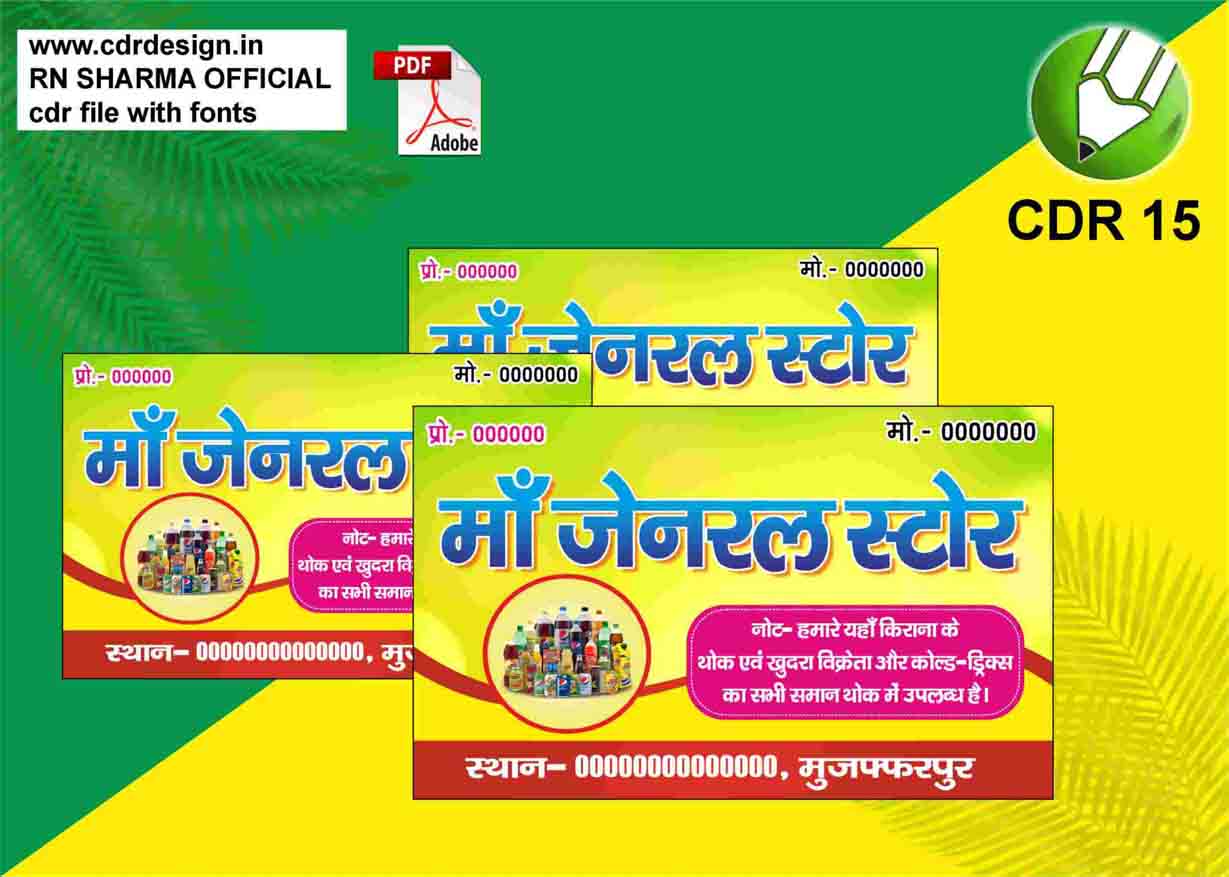
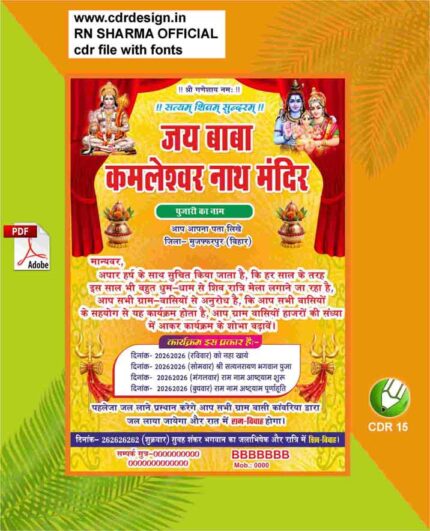
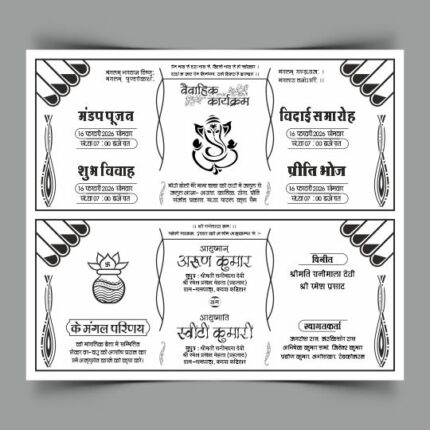
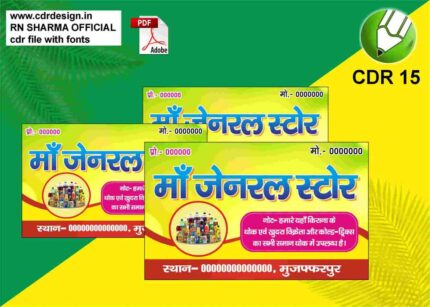
Kirana Dukan Hall Sell Visiting Card CDR File
₹15.00
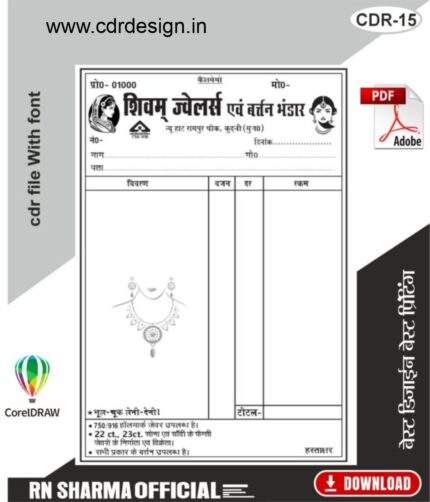
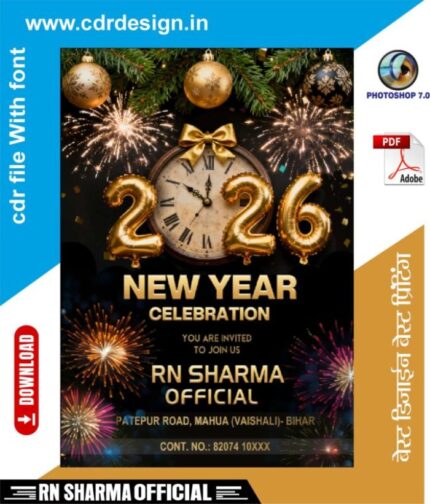
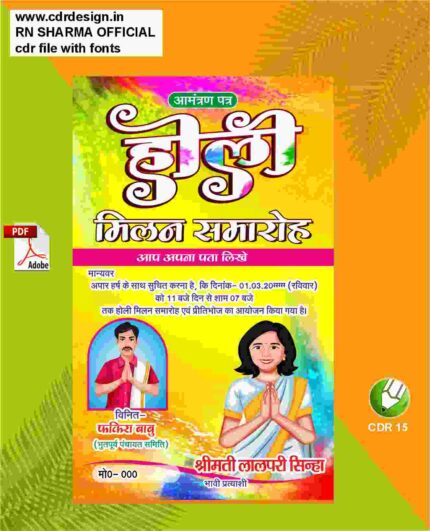
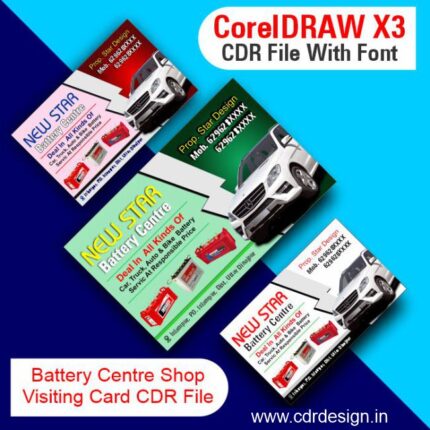
Corel Drow – 15 (CDR File)
Colour= CMYK
Font= Yes
CDR- 15 & PDF
ये डिजाईन प्रिंटिंग प्रेस वालों के लिए है अगर आपको एडिट करना आता है तभी खरीदें
-
खरीदने से पहले अच्छे से चेक कर लें कौन सी फाइल है, कौन सा वेर्जन है फॉण्ट दिया गया है की नही
- Note: this design is only for the designers not
- for customers. Customization start from Rs.200
- How to Download:
- https://www.youtube.com/
- Instant Download:
- Your files will be available
- to download once payment is confirmed.
- (instant download items don’t accept returns,
- exchanges, or refunds. Please check all details
- before buying.)
-
- Help Number: call or WhatsApp
- Call us: 6296285862 (9 AM to 6 PM)
- CdrDesign License: Use for personal and
- commercial purposes more info
- Copyright Disclaimer:
- This File is uploaded by
- the user. We do not claim any copyright for
- the content. ( If the contents violate your
- copyright, please email us,
- cdrdesign8@gmail.com
The Ultimate Guide to a “Kirana Dukan Hall” Visiting Card – Design, CDR Files & How to Sell It
If you own a Kirana Dukan (a neighborhood grocery store) in any bustling market or a small town hall, you already know the power of a friendly face and a quick chat with your regulars. What you might be missing, however, is a professional visiting card that does the talking for you when you’re not there.
Thank you for reading this post, don't forget to subscribe!In this post, we’ll walk you through everything you need to know about creating, polishing, and selling a Kirana Dukan Hall visiting card—with a special focus on the CDR (CorelDRAW) file format that designers love. Whether you’re a shop owner, a freelance designer, or a marketing enthusiast, you’ll finish this read with a ready‑to‑print card and a clear plan to get it into the hands of your customers








Reviews
There are no reviews yet.