
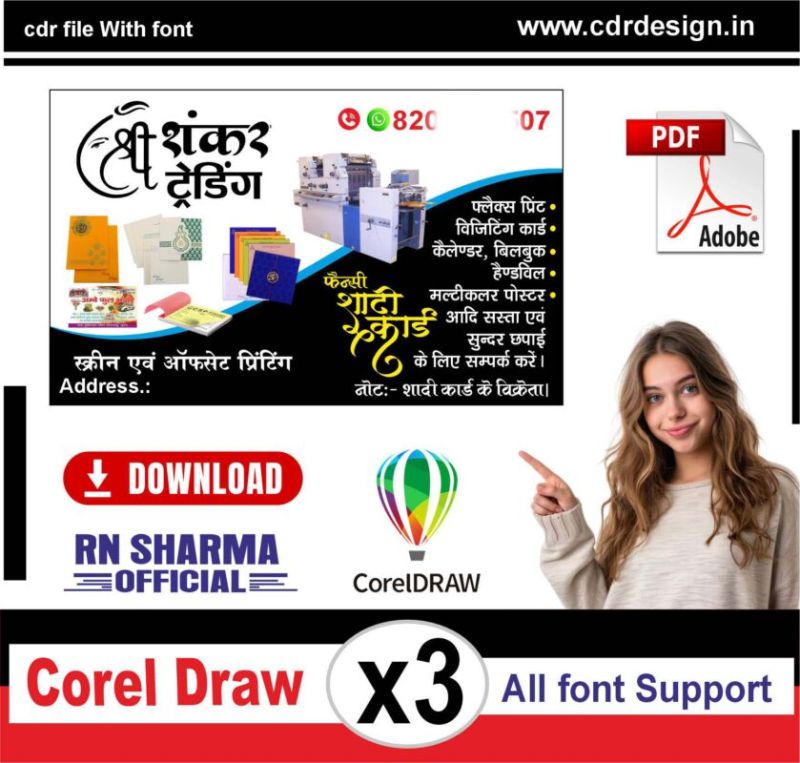
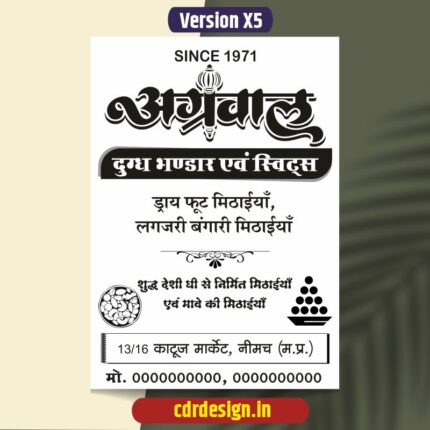

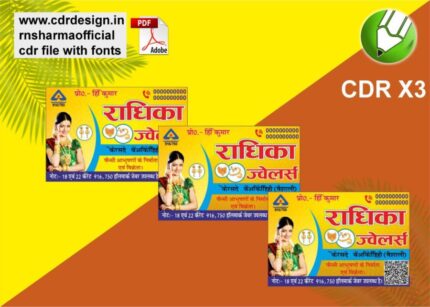
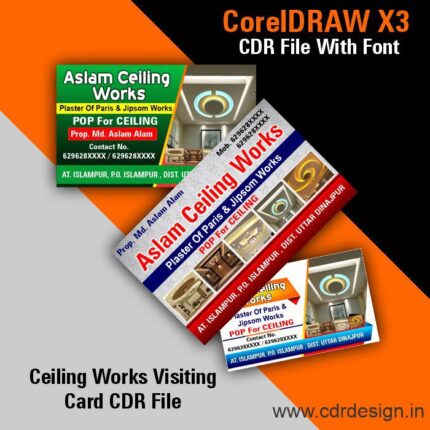
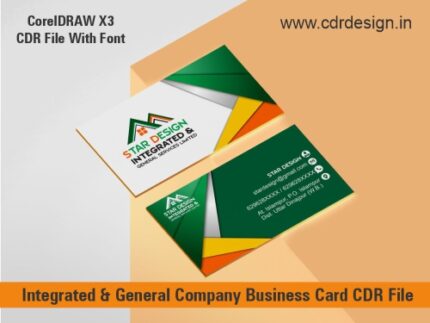
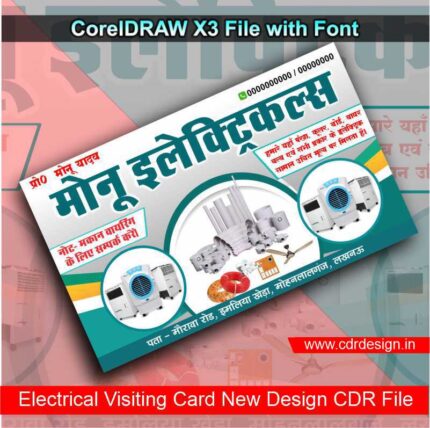
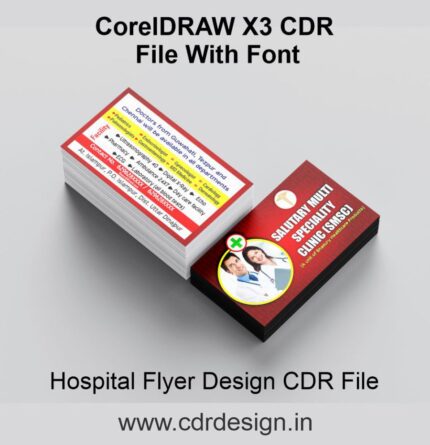
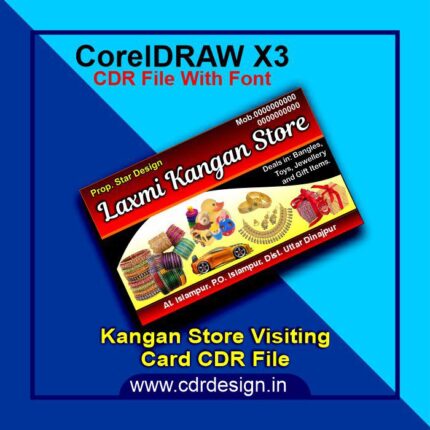
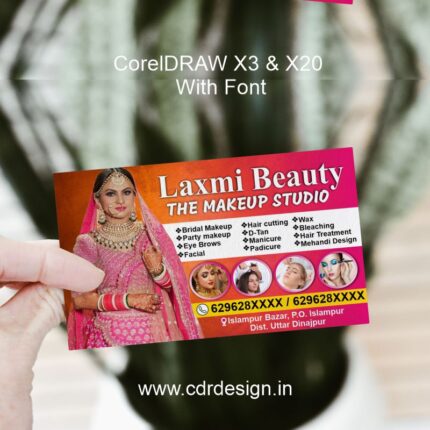
Best Printing Press Visiting Card (CDR & PDF)
₹19.00
Corel Drow – 13 (CDR File)
Colour= CMYK
Font= Yes
CDR- 13 & PDF
- Note: this design is only for the designers not
- for customers. Customization start from Rs.100
- How to Download:
- https://www.youtube.com/
- Instant Download:
- Your files will be available
- to download once payment is confirmed.
- (instant download items don’t accept returns,
- exchanges, or refunds. Please check all details
- before buying.)
-
- Help Number: call or WhatsApp
- Call us: 6296285862 (9 AM to 6 PM)
- CdrDesign License: Use for personal and
- commercial purposes more info
- Copyright Disclaimer:
- This File is uploaded by
- the user. We do not claim any copyright for
- the content. ( If the contents violate your
- copyright, please email us,
- cdrdesign8@gmail.com
The Ultimate Guide to Creating the Best Printing Press Visiting Cards in CDR & PDF Formats
Thank you for reading this post, don't forget to subscribe!Visiting cards, commonly known as business cards, are timeless tools for networking. In today’s fast-paced business world, a well-designed, professionally printed business card can make all the difference in leaving a lasting impression. But to ensure your visiting card looks flawless, you need to pay attention to both the design and the production process—especially the file formats you use. In this blog, we’ll explore why CorelDraw (CDR) and PDF files are the gold standard for printing visiting cards and how to leverage them for the best results.
Why Visiting Cards Still Matter in the Digital Age
Despite the rise of digital communication, visiting cards remain a critical part of business branding. They serve as tangible, portable representations of your brand identity. A clean, high-quality card can reinforce trust, professionalism, and memorability. However, the difference between a “good” card and a “great” one lies in the printing process and the file formats you choose.








Reviews
There are no reviews yet.