
AI और Human Creativity: ग्राफिक डिज़ाइन का नया युग Image Crate
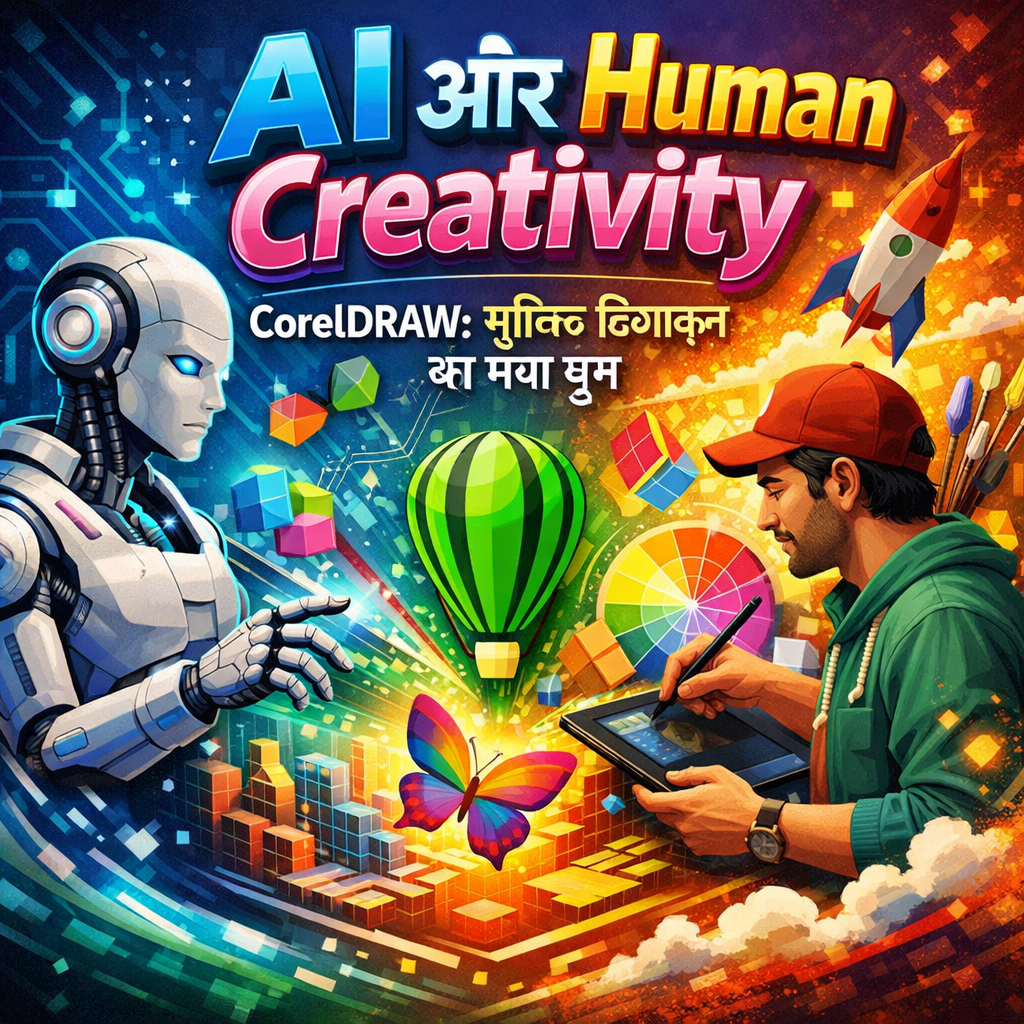
CorelDRAW में AI Tools के साथ Professional Visiting Cards कैसे बनाएं
Thank you for reading this post, don't forget to subscribe!क्या आप जानते हैं कि 2025 में AI ने ग्राफिक डिज़ाइन की दुनिया को पूरी तरह बदल दिया है? India Art Fair में AI-generated art ने जबरदस्त buzz क्रिएट किया, और अब छोटे businesses से लेकर बड़े ब्रांड्स तक सभी AI-powered designs का इस्तेमाल कर रहे हैं। आज हम बात करेंगे कि कैसे AI और human creativity का perfect combination आपके visiting cards को professional और eye-catching बना सकता है।
AI + Human Creativity: Perfect Partnership
पहले लोगों को डर था कि AI डिज़ाइनर्स की जगह ले लेगा, लेकिन reality बिल्कुल opposite है। AI अब designers को enhance कर रहा है, replace नहीं। यह एक powerful assistant की तरह काम करता है जो आपके creative vision को तेज़ी से reality में बदलने में मदद करता है।
AI क्या कर सकता है?
AI tools आपकी मदद करते हैं:
- Draft Layouts तुरंत बनाना: अपने ideas को seconds में visualize करें
- Typography Improvements: Font pairing और text hierarchy automatically optimize करें
- Color Schemes Suggest: brand के according perfect color combinations
- Smart Scaling: Different sizes के लिए designs को automatically adjust करना
Human Touch क्यों ज़रूरी है?
AI सारा काम नहीं कर सकता। आपको चाहिए:
- Brand की समझ: आपके client की unique identity को समझना
- Emotional Connection: Design में feeling और personality डालना
- Cultural Context: Indian market के लिए relevant designs बनाना
- Final Polish: Professional finishing touches
CorelDRAW में AI-Powered Visiting Cards बनाना
CorelDRAW 2025 में नए AI tools integrate हुए हैं जो designing process को super smooth बना देते हैं। चलिए step-by-step देखते हैं कि कैसे smart और scalable visiting cards बनाएं।
Step 1: AI से Layout Draft करें
सबसे पहले, CorelDRAW में AI layout assistant को activate करें। बस अपने requirements बताएं:
- Business type (doctor, CA, shop owner, etc.)
- Color preference
- Style (modern, traditional, minimalist)
AI आपको 5-6 layout options देगा जिनमें से आप choose कर सकते हैं।
Step 2: Typography को Perfect करें
AI typography tool automatically:
- सबसे readable fonts suggest करता है
- Text size और spacing optimize करता है
- Hierarchy बनाता है (name, designation, contact details)
लेकिन आप खुद decide करें कि कौन सा font आपके brand personality को best represent करता है। AI suggestions एक starting point हैं, final decision आपका है।
Step 3: Smart Color Schemes
CorelDRAW का AI color harmonizer:
- Brand colors के साथ match करने वाले shades suggest करता है
- Contrast check करता है readability के लिए
- Printing के लिए CMYK values automatically adjust करता है
Step 4: Scalability और Formats
यहाँ AI की real power दिखती है। एक बार design ready हो जाए तो AI:
- Different paper sizes के लिए automatically scale करता है (standard, mini, folded)
- Print और digital दोनों versions बनाता है
- WhatsApp sharing के लिए optimized image create करता है
India Art Fair Effect: AI Art की बढ़ती Demand
पिछले महीने India Art Fair में AI-generated art pieces ने सबका ध्यान खींचा। यह trend अब business cards और marketing materials में भी दिख रहा है। लोग अब चाहते हैं:
- Unique AI-generated backgrounds जो eye-catching हों
- Custom illustrations जो brand story बताएं
- Modern aesthetic जो tech-savvy image project करे
CorelDRAW CDR Files का फायदा
CDR format के साथ काम करने के कई benefits हैं:
Fully Editable: किसी भी time में colors, text, या elements change कर सकते हैं
Vector Quality: Kitni भी बार resize करें, quality नहीं घटेगी
Print-Ready: Professional printing के लिए perfect format
Fast Workflow: Templates use करके घंटों बचाएं
AI Boosted Business Card CDR Pack: Download करें
हमने specially एक “AI Boosted Business Card CDR Pack” तैयार किया है जो:
- 50+ modern AI-enhanced templates include करता है
- सभी popular business categories cover करता है
- Fully customizable है CorelDRAW में
- Print-ready और digital formats में available है
Pack में क्या मिलेगा?
- Modern Professional Templates: Corporate offices और professionals के लिए
- Creative Designs: Designers, artists, photographers के लिए
- Traditional Styles: Traditional businesses के लिए elegant options
- Minimalist Cards: Clean और simple aesthetic पसंद करने वालों के लिए
- Specialty Formats: Folded cards, vertical cards, square cards
हर template AI tools के साथ optimized है और सभी में smart layers हैं जो editing को आसान बनाते हैं।
Tips for Best Results
Design करते समय ध्यान दें:
Keep It Simple: Too many elements से avoid करें। AI suggestions में से सबसे clean option choose करें।
Brand Consistency: अपने brand colors और fonts को consistently use करें।
Readable Text: कम से कम 8pt font size रखें। AI readability checker का use करें।
White Space: Design में breathing room ज़रूरी है। AI automatically spacing suggest करेगा, but अपने eye से भी check करें।
Contact Info Priority: सबसे ज़रूरी details को prominently display करें।
Printing के लिए Technical Tips:
- Bleed Add करें: किनारों पर 3mm extra space रखें
- CMYK Mode Use करें: RGB में design न करें
- High Resolution: कम से कम 300 DPI
- Font Embed करें: या curves में convert कर दें
Future of AI in Graphic Design
AI और graphic design का combination अभी starting stage में है। आने वाले time में हम देखेंगे:
- Real-time Collaboration: AI assistants जो live designing में help करेंगे
- Personalized Suggestions: आपकी design style सीखकर better recommendations
- Automated Variations: एक design से hundreds of variations तुरंत
- Voice Commands: बोलकर designs edit करना
लेकिन एक बात clear है – AI कभी भी human creativity को replace नहीं करेगा। यह सिर्फ एक powerful tool है जो आपके ideas को faster और better तरीके से execute करने में help करता है।
Conclusion: Smart Working, Not Hard Working
2025 में successful graphic designers वो हैं जो AI tools को smartly use करना जानते हैं। CorelDRAW में AI features का सही इस्तेमाल करके आप:
- Time बचाएं: Templates और automation से घंटों की बचत
- Quality बढ़ाएं: Professional-grade outputs हर बार
- Scale Up करें: ज़्यादा clients और projects handle करें
- Competitive रहें: Modern tools का फायदा उठाएं
तो देर किस बात की? आज ही हमारा AI Boosted Business Card CDR Pack download करें cdrdesign.in से और अपने visiting card designs को next level पर ले जाएं। AI की power और अपनी creativity को मिलाकर ऐसे cards बनाएं जो सच में stand out करें।
FAQs
Q: क्या AI से बने designs copyright free होते हैं?
A: जब आप खुद AI tools use करके design बनाते हैं, तो वो आपका original work होता है। हमारे CDR templates fully customizable हैं और आप commercial use के लिए free हैं।
Q: CorelDRAW के AI features use करने के लिए internet ज़रूरी है?
A: कुछ AI features online हैं, लेकिन basic editing और हमारे templates offline भी काम करते हैं।
Q: क्या मैं templates को mobile पर edit कर सकता हूँ?
A: CDR files को properly edit करने के लिए desktop CorelDRAW recommend है, लेकिन final designs को mobile पर view और share कर सकते हैं।
Q: Printing के लिए best paper size क्या है?
A: Standard visiting card size है 3.5″ x 2″ (89mm x 51mm). हमारे templates इसी size में optimized हैं।
Download करें और अपना designing journey शुरू करें!
Thank You
Related Posts
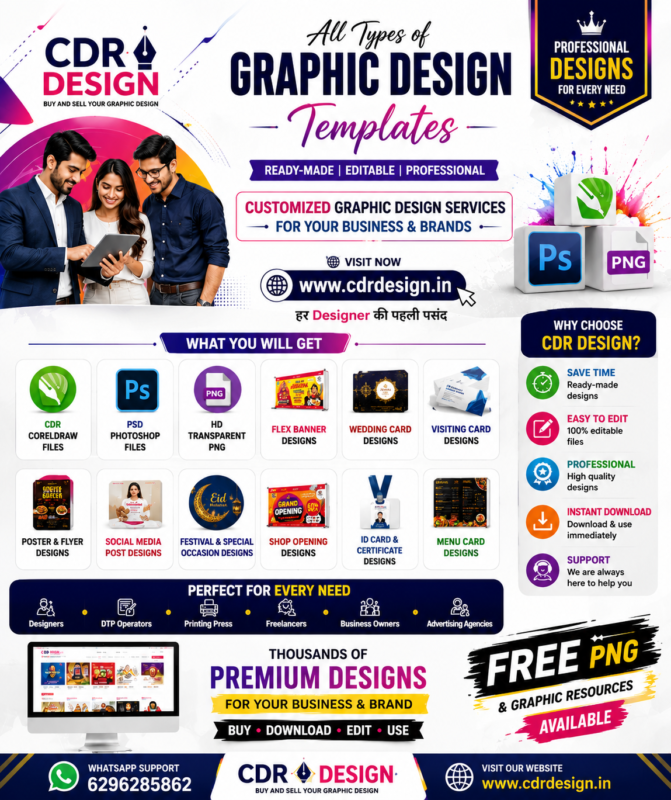
CDR DESIGN – Professional Graphic Design Templates & Ready-Made Files
-
Posted by
CDR DESIGN
Premium Designs खरीदें
नीचे “शब-ए-बारात” पर पूरी जानकारी के साथ विस्तृत ब्लॉग शुद्ध हिंदी में दिया गया है 👇
-
Posted by
Why is Happy New Year 2026 celebrated?
-
Posted by
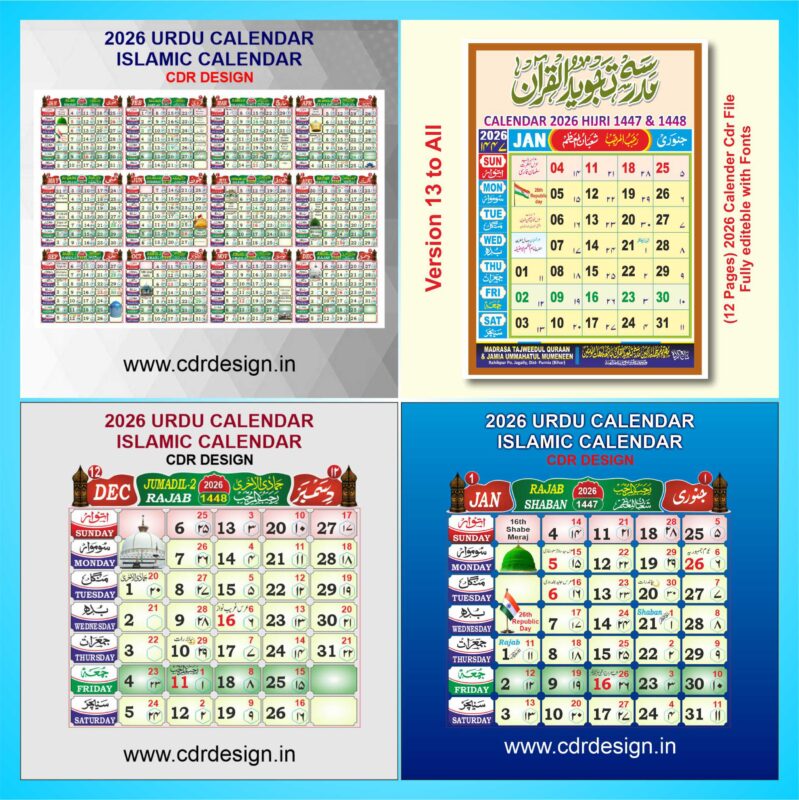
Complete Guide to the Urdu Calendar 2026 & Islamic Calendar 2026 CDR File : CDR Files Downloads
-
Posted by
Jashn-e-Eid Milad-un-Nabi SalAllahu Alihe Wa Sallam & Banner Cdrdesign.in
-
Posted by
Independence Day 2025: Celebrating 79 Years of Freedom and Progress CDR Design
-
Posted by
Raksha Bandhan kya hai aur kyon manaya jata hai aur uska CDR file Kahan milega cdrdesign.in mai
-
Posted by
What is Bolbam & Bolbam Banner CDR File in cdrdesign.in: A Complete Guide
-
Posted by

Eid Al Adha Social Media Post in CDR Design: A Creative Guide to Celebrating the Sacrifice
-
Posted by

Free CDR File Download Kahan Se Karen Aur Kaise Karen www.cdrdesign.in
-
Posted by
Menu Card Design CDR File The Ultimate Guide to Professional Menu Design at CDRdesign.in
-
Posted by

Wedding Card Hindi Matter Design CDR File: Complete Guide to Creating Stunning and Customizable Wedding Invitations
-
Posted by